Configuration
The "Configuration" page of your settings lets you choose your default offers. A default offer is contributed automatically to every new project you create: you do not have to add it by hand each time (see Contributions).
To open it, click the logo of your organisation, then "Settings", then "Configuration".
Choose a default offer
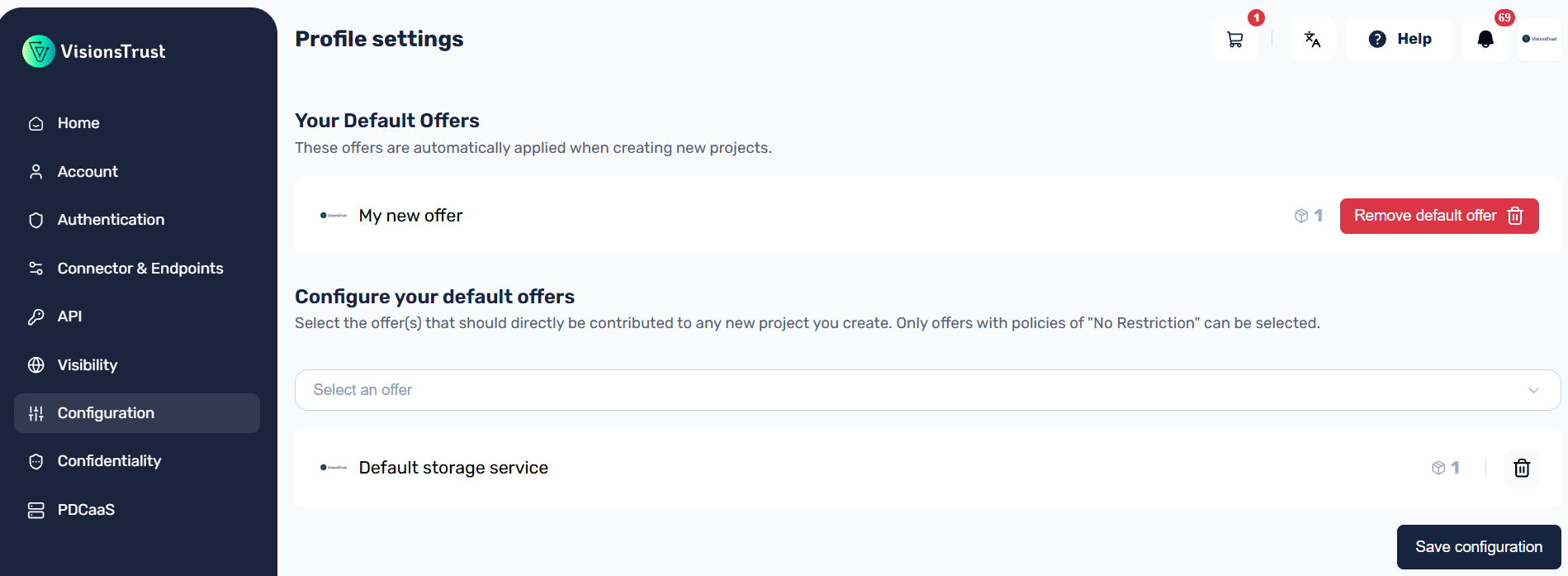
- Click the Select an offer button, then choose an offer in the list.
- Click the Save configuration button.
The message "Default offer configuration saved successfully" confirms your choice, and the offer appears in "Your Default Offers": "These offers are automatically applied when creating new projects."
Offers with no restriction
Only the offers with no restriction are displayed in the list. An offer has no restriction when its usage policies do not limit the time period or the count.
If you have no offer that can be selected, the page says "No eligible offers found" and shows a Create an offer button: see Create an offer.
Remove a default offer
Click the Remove default offer button next to the offer. New projects will no longer include it.