Project template
Your project template is your own set of default values for the terms of a project. You set it once, and every new project inherits these values.
It contains the same sections as the second step of the project creation: the governance of the project and its 9 additional clauses.
Set up your template
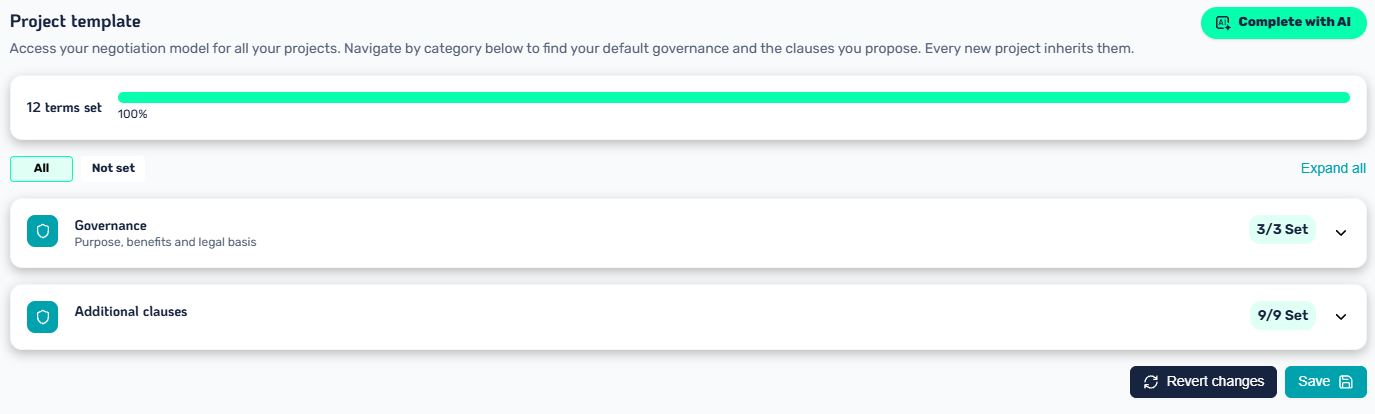
- Open "Project template" in the "My Projects" menu.
- Fill in the terms, or use the Adopt dataspace template button of a section to start from a ready-made set of values.
- Click the Save button at the bottom of the page.
The counter shows how many terms are set, and the completion percentage of the template.
Use your template
When you create a project, click the Adopt dataspace template button and choose "My template" to apply these values: see Create a project.