Sign a contract
- Click the Sign button of the contract. In "All contracts", the button is called View and sign. You can also use Details, then View and sign. The contract page of the project opens.
- Review the contract: the project terms and, for each participant, its offers with their negotiated terms.
- Click the Validate button.
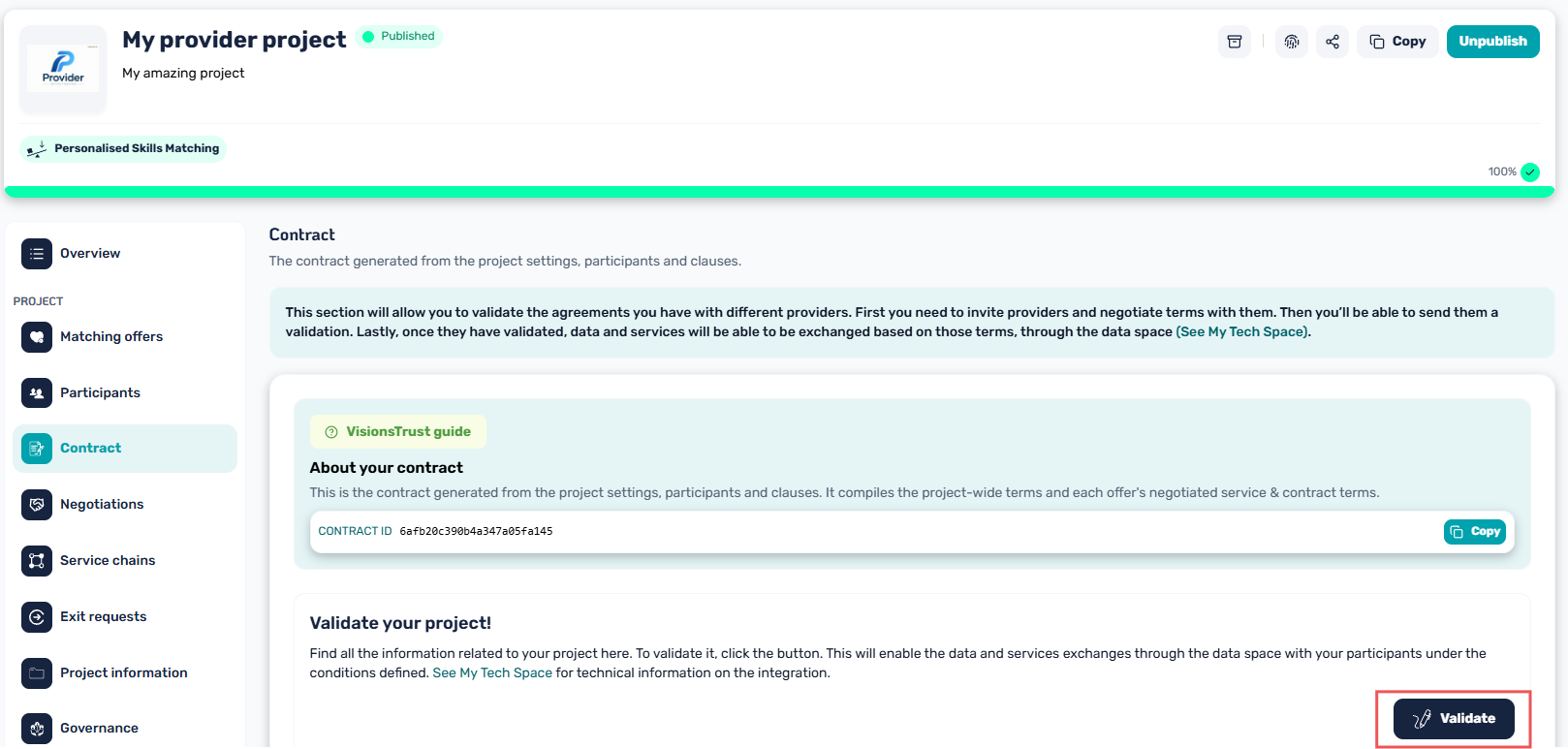
Once all the participants have validated the contract, it is signed and active: data and services can be exchanged through the data space under the conditions defined.
Project not published
If the project is not published, its contract cannot be signed yet. This also happens when the orchestrator unpublishes a project that already has participants: they cannot sign until it is published again. If you orchestrate the project, the card shows a Publish the project button instead of Sign: click it to open the project page, then publish the project (see publishing a project) and go back to "My Contracts". The Sign button is now available.